Setting up the FitBit Flex was surprisingly easy
I was given a FitBit Flex for my birthday by my brother and mother (thank you!!). You can buy it for £80 from FitBit, Amazon or second hand from eBay. The FitBit Force has more features, a longer battery life and will be available in UK in early 2014.

My new world began at 11am on Sunday 9th June 2013. I opened the package which contained the FitBit Flex wristband, the sensor and simple instructions. Within 10 minutes I had downloaded the software and accepted the user agreement. I then created a new account and added my name, sex, date of birth, height, weight and device. A simple slideshow gave final setup instructions and I was good to go!

I had to charge it by removing the sensor from the band and connecting it to a USB port. A full charge takes an hour and lasts five days (less if “Background Sync” is enabled). Whilst regular charges are irritating, it is a lot worse to have a dead FitBit and not be collecting your data!
Stock colours are black and teal (and shocking pink from FitBit). It is comfortable and easy to forget, although it becomes annoying to wear this device and a watch. The FitBit Force will resolve this dilemma as it has a built-in clock. The Flex is water-resistant and can be worn in the shower or the rain! I have not dared test this!
I synchronised the device, connected to the online dashboard and to my Android smartphone via BlueTooth. It took me 25 minutes to set up to this point.

I recommend tracking your weight and everything you eat
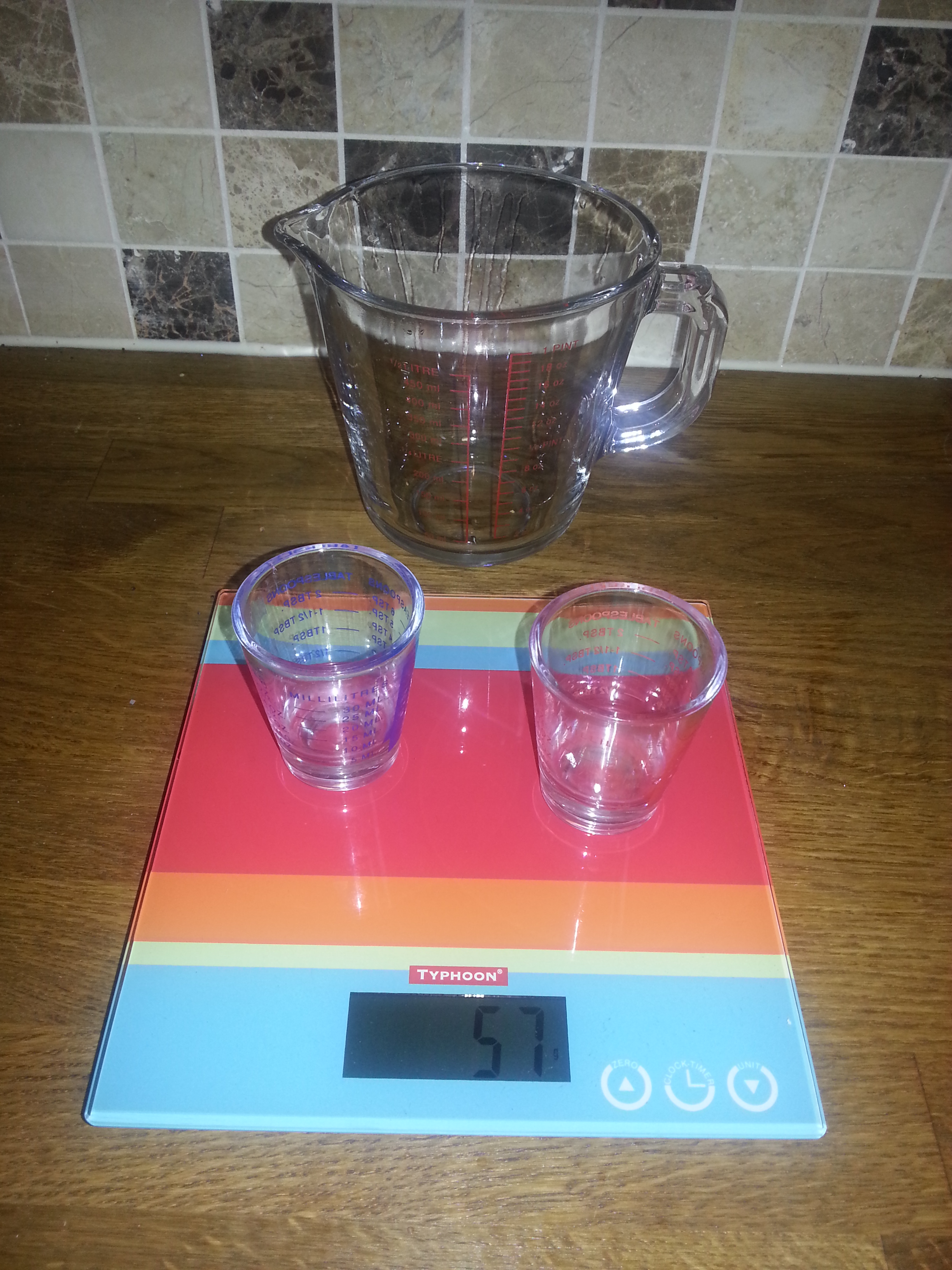
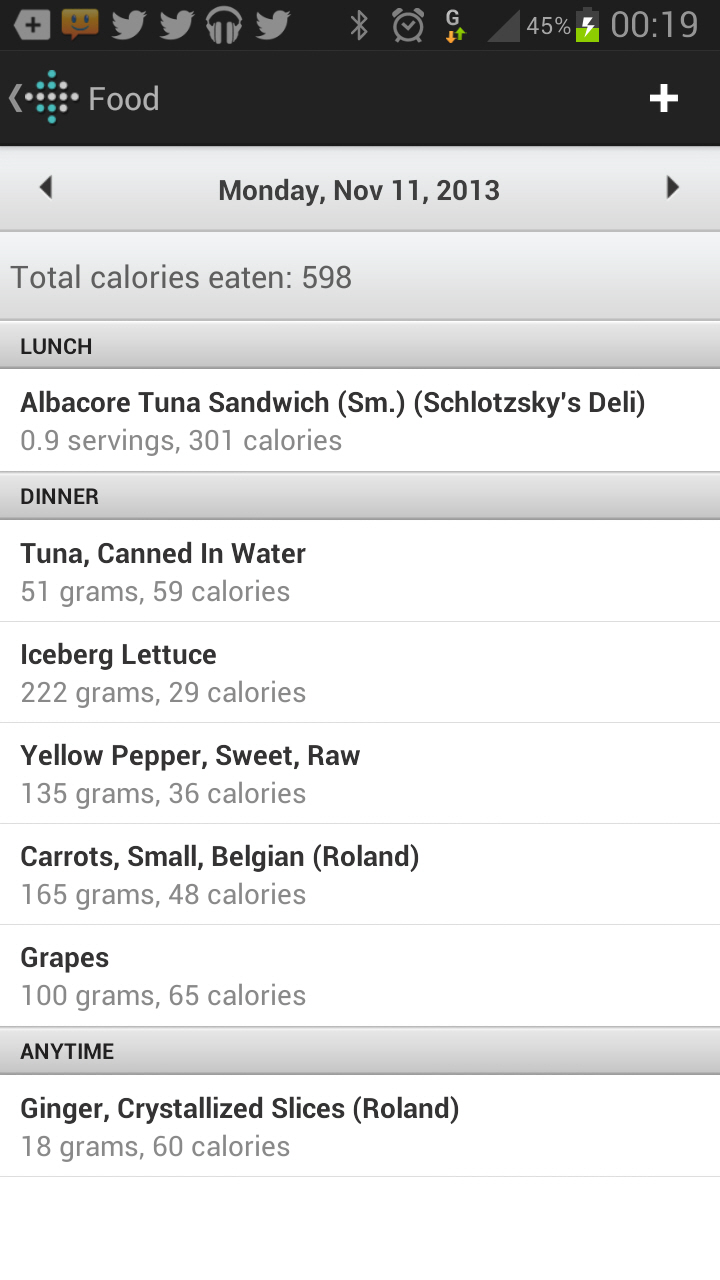
The FitBit is one element of my system. Other essential items are: digital scales (for food), measuring jug and glasses (for large and small volumes) and the Calorie Count app. My scales weigh food to the gram and this is really helpful when planning meals. Similarly, I measure the volume of all liquids.
The Calorie Count app complements the FitBit app and has millions of items, including those from UK supermarkets. Finally, it is helpful to have a set of digital scales to measure your weight. Any will do, but I chose to buy the FitBit Aria (£100). These send the weight and percentage body fat automagically to my FitBit dashboard. Another company that makes multi-function wireless scales is Withings. I have a Bobble water bottle which has a beautiful design and filters as you drink. A more high-tech option is the Hydracoach Intelligent Water Bottle.
The Android app is well designed and the hub of the FitBit experience
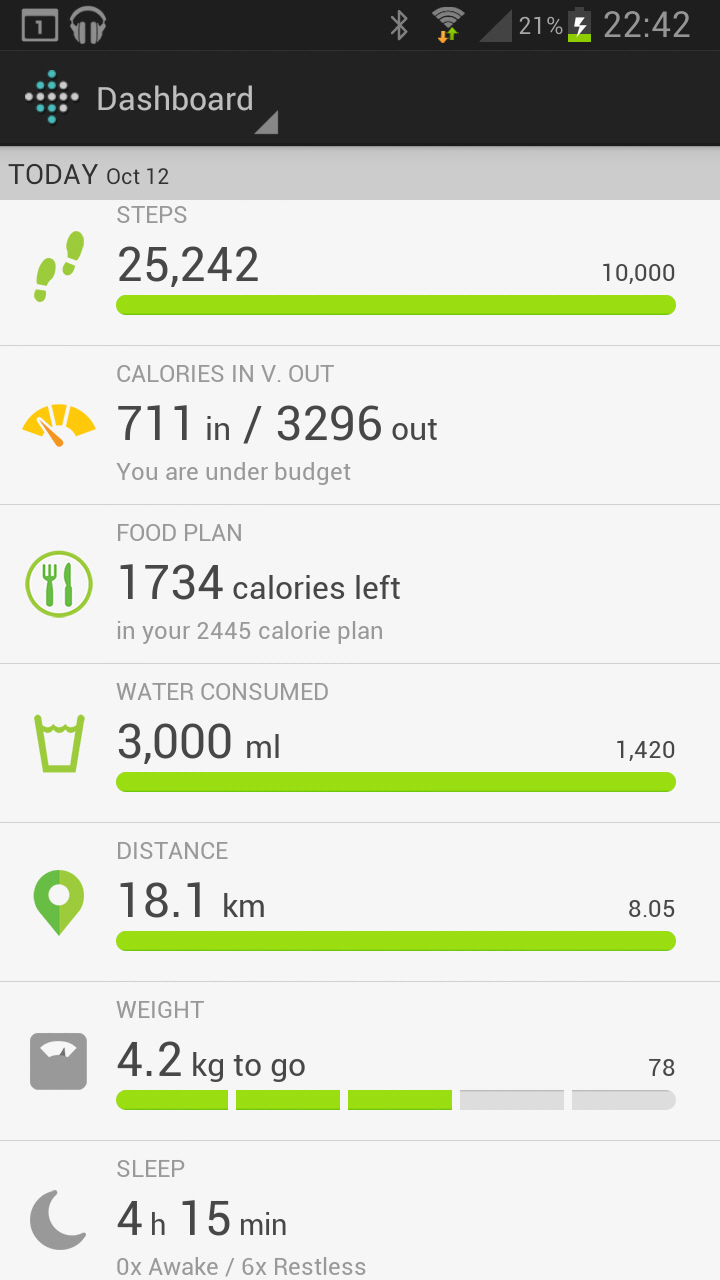
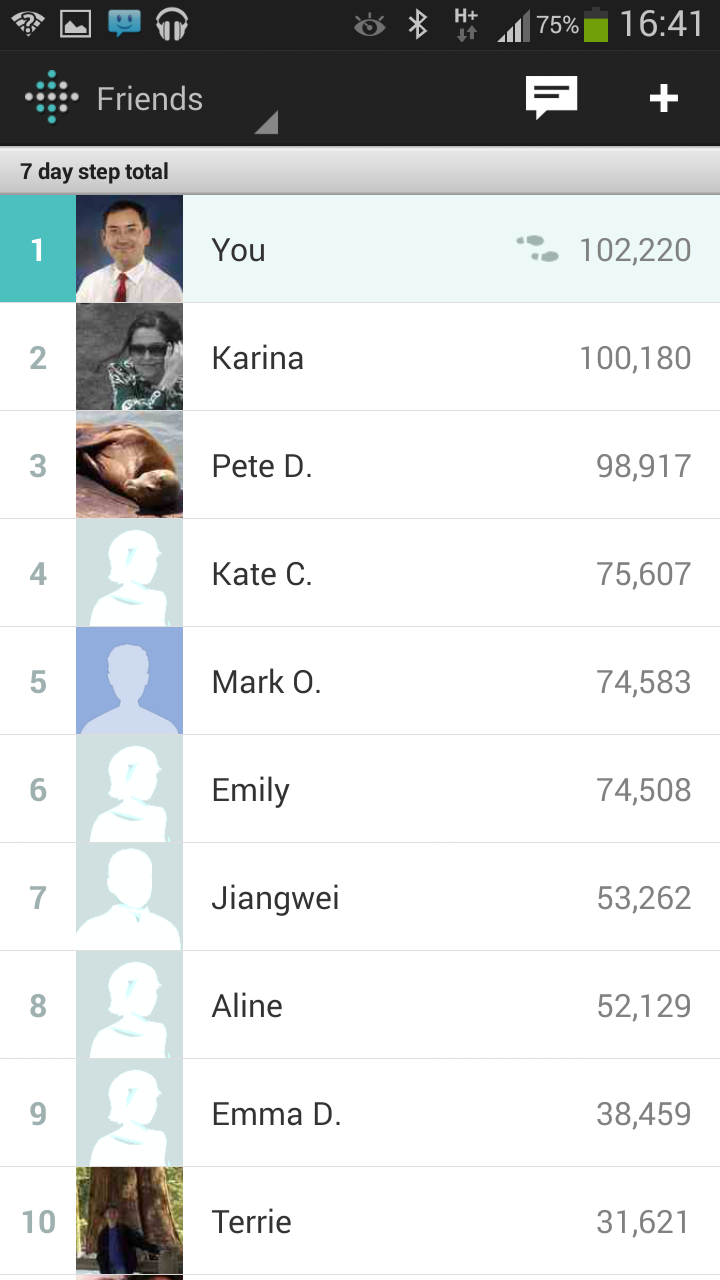
The app can be downloaded from FitBit. Only certain high end devices support wireless FitBit syncing. The Android app has the following customisable information on the daily dashboard: Steps, Distance walked, Calories burned, Very Active Minutes, Weight, Percentage body fat, Sleep, Food plan, Remaining calories in day and Water consumed. The Friends Leaderboard shows the 7 day step total and you can message, cheer or tease friends!
There are more features on the FitBit Website
In addition to the above information, the FitBit website dashboard displays the Badges you have earned (eg for walking 25,000 steps in a day). The website (Friends | Find Friends | Invite by Email) is the easiest place to invite people you know with FitBit to connect with you. For £40 a year, you can subscribe to FitBit Premium. This allows benchmarking against the FitBit community. There is also the option to set up a personalised 12 week training plan. There are activity, food and sleep reports and you can add custom trackers (eg mood, alcohol). Finally, the Premium service allows you to export your data for analysis in other applications. Whilst these features are nice to have, I have not used them much.
In summary, the device, website and app are well designed and easy to set up. There are more features if you subscribe to the optional Premium service. In the next blog, I will add details of my new diet and exercise regime!
 s3bster's Blog